
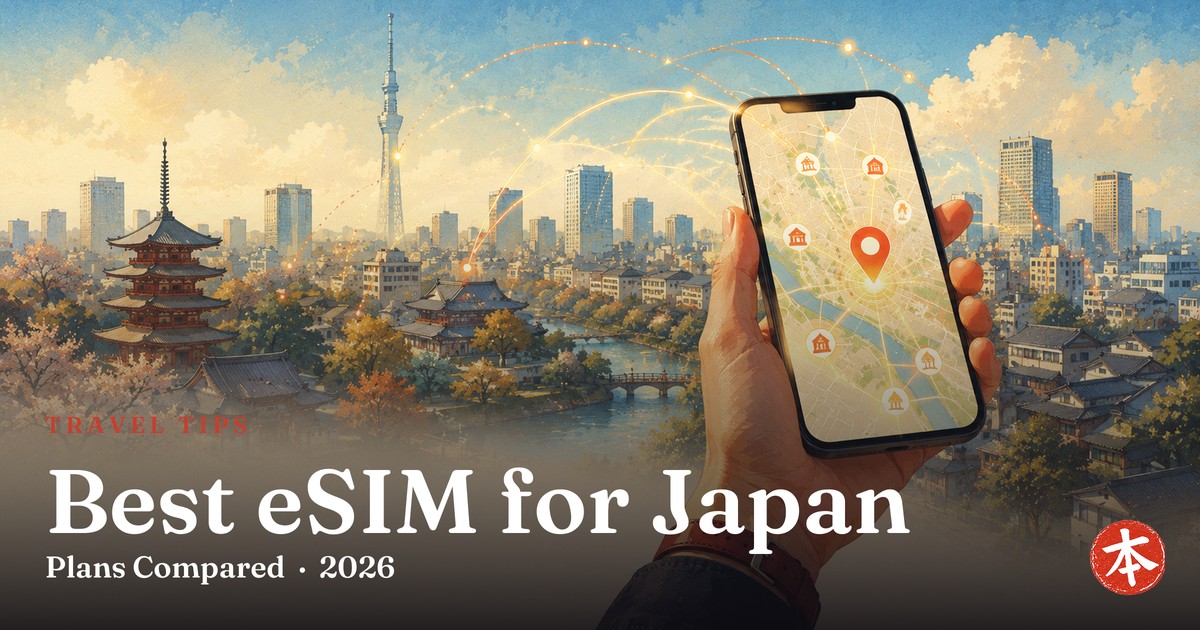
Getting online the moment you land in Japan makes everything easier — maps, translation, train times, restaurant bookings. For most travelers in 2026, the best way to do that is an eSIM: a digital SIM you buy online, install before you fly, and switch on when you arrive. No airport counter, no physical card.
Here’s the short version: if you have a reasonably modern, unlocked phone, an eSIM is the cheapest and easiest option. This guide gives you a straight recommendation, the one compatibility check that trips people up, the best eSIM providers for Japan compared side by side, and exactly how to set one up.
Compiled and cross-checked from official provider information and multiple 2026 comparison tests, current as of July 2026.
• Best value for a 1–2 week trip: Airalo Get Airalo →
• Unlimited data + 24/7 support & refund guarantee: Yesim Get Yesim →
• Easiest — QR code in ~5 minutes: a Klook eSIM Get a Klook eSIM →
Full side-by-side comparison and setup steps below. Links are affiliate links — see disclosure.
Japan eSIM at a glance
| What it is | A digital SIM you buy online and install by scanning a QR code — no physical card, no airport pickup |
|---|---|
| Best for | Solo travelers with a modern, unlocked, eSIM-compatible phone |
| Rough cost | From ~$4–6 for a small data plan up to ~$25–75 for large or unlimited data over 1–4 weeks |
| Networks | Most run on NTT DOCOMO or SoftBank — Japan’s top networks (check per plan) |
| Setup | Install before you fly; data starts automatically when you land and connect in Japan (about 5 minutes) |
| The catch | Your phone must be eSIM-compatible AND carrier-unlocked (see the check below) |
eSIM, pocket WiFi, or physical SIM — which do you need?
Three ways to get online in Japan. Here’s the honest decision in one line each:
| Option | Best for | Watch out |
|---|---|---|
| eSIM | Solo travelers, modern phone, want it cheap and instant | Needs an eSIM-compatible and unlocked phone |
| Pocket WiFi | Groups/families, multiple devices, or a locked phone | An extra device to carry, charge, and return |
| Physical SIM | People who prefer a familiar SIM swap | Swapping SIMs + manual APN setup; needs an unlocked phone |
Short answer: traveling solo (or as a couple) with a recent unlocked phone? Get an eSIM — cheapest and least hassle. Phone locked, or want one connection for a whole group? Go with pocket WiFi.
Before you buy: is your phone eSIM-ready?
This is the number-one thing that catches people out, so check it before you pay:
- eSIM-compatible? Most phones released since about 2019 support eSIM (iPhone XS/XR and newer, recent Google Pixel and Samsung Galaxy S/Note/Z). US iPhone 14, 15, 16 and 17 are actually eSIM-only.
- Carrier-unlocked? If your phone is locked to your home carrier, an eSIM (or any foreign SIM) won’t work — you’d need pocket WiFi instead.
- How to check: on iPhone, Settings → General → About → look for an Available SIM or EID entry; on Android, search Settings for ‘SIM’ or ‘eSIM’. If unsure, ask your carrier whether your phone is unlocked.
The best eSIMs for Japan, compared

All the big providers run on Japan’s top networks (DOCOMO or SoftBank), so city coverage is excellent across the board. The differences are price, rural coverage, tethering, and support. Prices are indicative (2026) — confirm on the provider’s page.
| Provider | Roughly | Best for | Get it |
|---|---|---|---|
| Airalo | ~$4.50 / 1GB / 7 days; ~$25 / 20GB. Topped 2026 speed tests | Best value, 1–2 week city trip | Airalo → |
| Yesim | From ~$8.40; 10-day unlimited ~$33.60. 24/7 support, refund guarantee | Unlimited + peace of mind | Yesim → |
| Ubigi | ~$32 / 25GB. DOCOMO, 5G, unlimited tethering | Rural, 5G, sharing | Ubigi → |
| Klook eSIM | Unlimited & daily plans, SoftBank 5G / DOCOMO; QR in ~5 min | Easiest one-stop buy | Klook → |
| Holafly | ~$74.90 / 30 days unlimited (hotspot ~1GB/day) | Heavy streamers | Holafly → |
| Sakura Mobile | Unlimited plans; local Japan provider, English support | On-the-ground support | Sakura → |
Which should you pick? (just tell me)
Don’t want to overthink it? Match yourself to a line below and tap the button — you’ll have your eSIM sorted in a couple of minutes.
How to set up your Japan eSIM (step by step)
The whole thing takes about five minutes, and the smart move is to do most of it before you fly, while you still have your home internet.
- 1. Confirm compatibility (eSIM-capable + unlocked — see above).
- 2. Buy your plan online and you’ll receive a QR code by email (usually within minutes).
- 3. Install before you fly: scan the QR code (iPhone: Settings → Cellular/Mobile → Add eSIM; Android: Settings → Network → SIMs → Add eSIM). This installs the eSIM but doesn’t use data yet.
- 4. On arrival in Japan, turn on the eSIM line and enable data roaming for that line — most plans start counting only once you connect to a Japanese network.
- 5. Set it as your data line and keep your home SIM for calls/texts if you want. Done.
Tip: follow the provider’s own activation instructions exactly — a few plans want you to install on arrival rather than before, so read the email.
Tips for foreign visitors

- Buy before you land. Install the eSIM at home so you’re online the second you turn your phone on in Japan — no hunting for airport WiFi.
- Data-only is fine for most. You get maps, translation, and messaging apps (LINE, WhatsApp) — you just won’t have a Japanese phone number for regular calls.
- Estimate your data: light users (maps + messaging) are fine on 1–3GB/week; if you stream or tether, get a large or unlimited plan.
- Group or locked phone? Pocket WiFi is the simpler choice — one device connects everyone, and it doesn’t care whether your phone is unlocked.
- Keep your home line for 2FA. Leave your original SIM active (for calls/SMS codes) and just use the eSIM for data — dual-SIM phones do this easily.
- Once you’re connected, put that data to work — see our guides to Super Nintendo World and the Pokémon Centers in Tokyo.
Install your eSIM before you fly and you’re online the moment you switch your phone on in Japan.
Best value: Airalo → Unlimited: Yesim → Easiest: Klook eSIM →
(Planning to drive here? Street go-karting in Tokyo needs a 1949 Geneva Convention permit as a paper booklet — a Vienna Convention one is invalid in Japan.)
(A live data connection matters most during typhoon season, when you need the JMA risk map and service updates from a station platform.)
(Worth knowing before you rely on it: there is no general free Wi-Fi in Japanese convenience stores — our Japanese 7-Eleven guide quotes the official FAQ saying so.)
(Considering a rental router instead? Our pocket WiFi guide quotes the ministry ruling that your own router is not covered by the 90-day exemption.)
FAQ
Which is the best eSIM for Japan?
Is an eSIM the best option for Japan?
Will my phone work with a Japan eSIM?
How do I activate a Japan eSIM?
Can I make phone calls with a Japan eSIM?
eSIM or pocket WiFi — which is cheaper?
Bottom line (2026) — An eSIM is the cheapest, easiest way to get online in Japan, provided your phone is eSIM-compatible and unlocked. The main providers to compare are Airalo, Ubigi, Klook, Holafly and Sakura Mobile. Setup takes about five minutes and is best done before you land — plans and network partners change often, so confirm current details before paying.
Sources & where to buy
Compiled and cross-checked from official provider information (Airalo, Ubigi, Sakura Mobile, Holafly, Klook) and independent 2026 comparison tests. Prices, plans and network partners change frequently — always confirm the current details on the provider’s page before buying.
This article contains affiliate links. If you buy through them, we may earn a small commission at no extra cost to you — see our affiliate disclosure. We only recommend options we’d genuinely suggest to a friend visiting Japan.
Tokyo to Osaka, Tokyo to Kyushu, Tokyo to Hokkaido — day by day — plus seven places most visitors never reach.
- 12 pages, 80 photographs, every stop linked to its guide
- Every price and opening hour read from the official page
- Re-issued monthly, so it does not go stale in your inbox
Free. One email a month, plus the rare change that matters. Unsubscribe with one click in any email. By subscribing you agree to our privacy policy.